
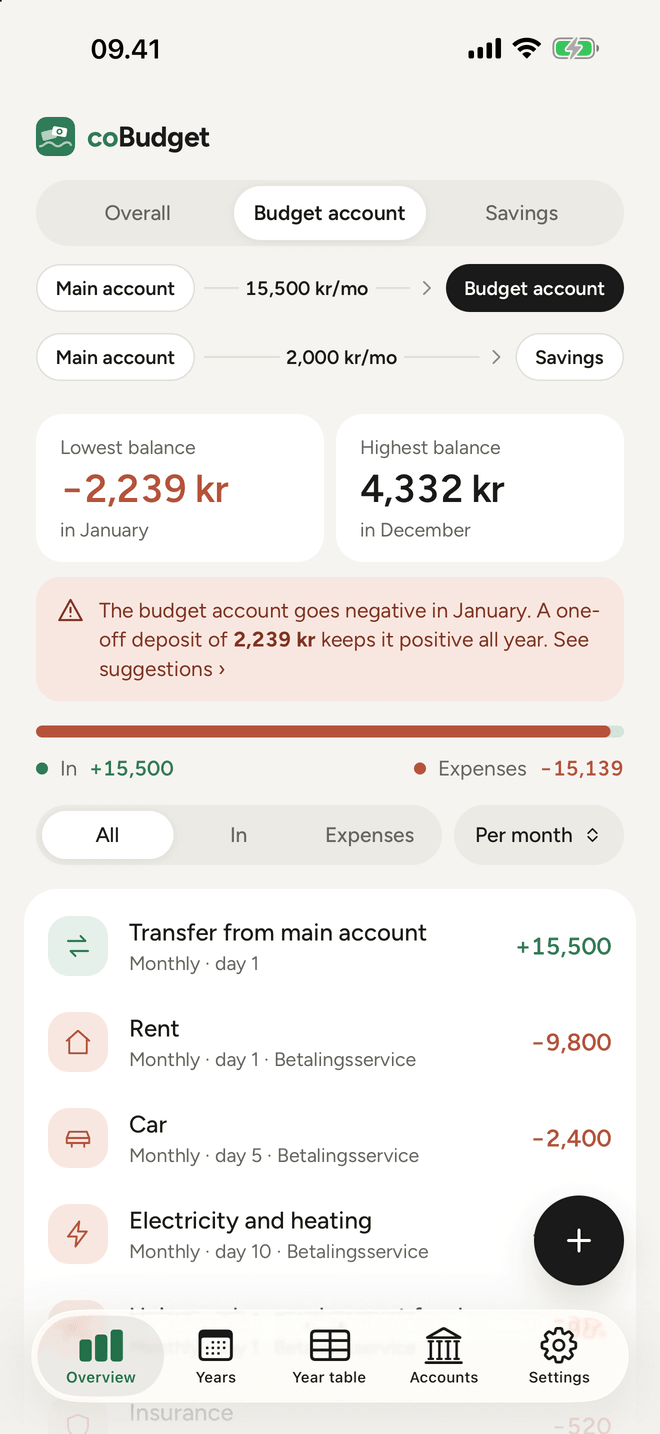
Lowest and highest balance
See straight away when money is tightest, and whether an account goes negative during the year.
coBudget shows how your salary, budget account and savings fit together – and tells you exactly what to do if an account goes negative.
No account, no ads, no tracking. Your numbers stay on your phone.
Three accounts, one overview
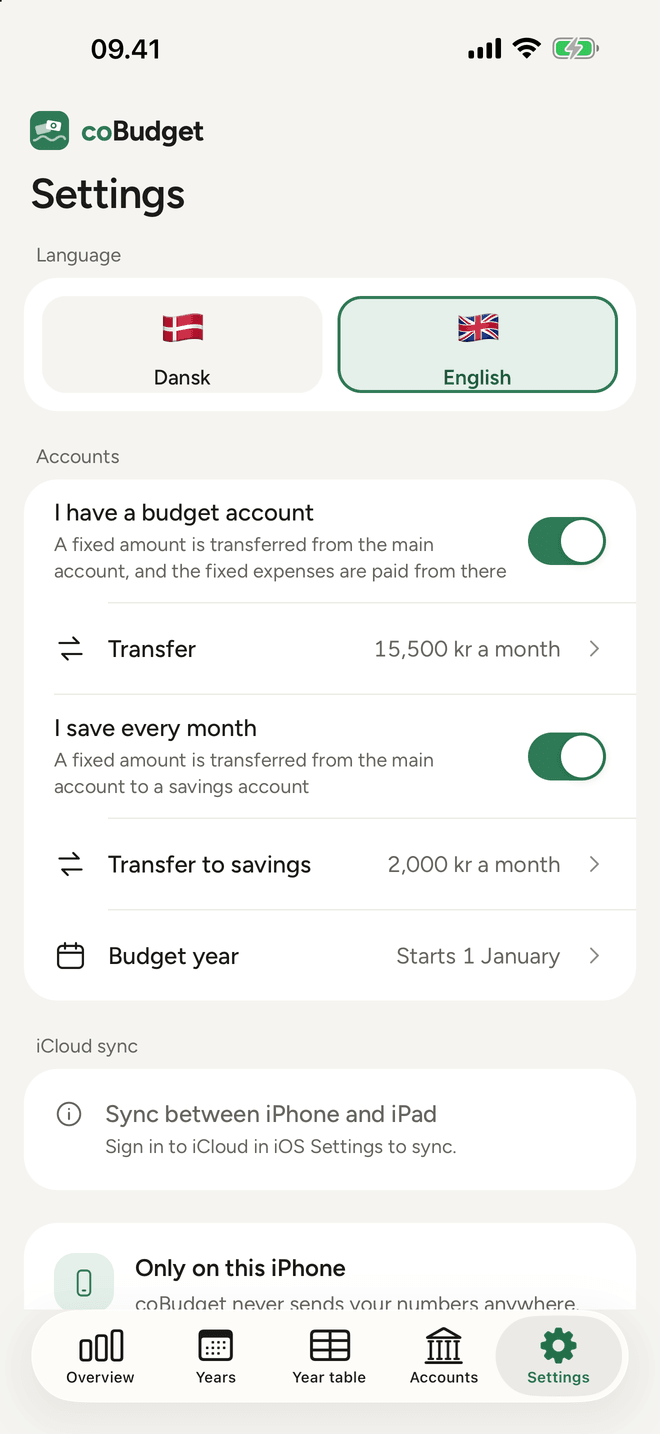
Your salary arrives on your main account. Every month a fixed amount moves on to the budget account, where the bills are paid, and perhaps to savings. coBudget shows each account on its own – and everything together.
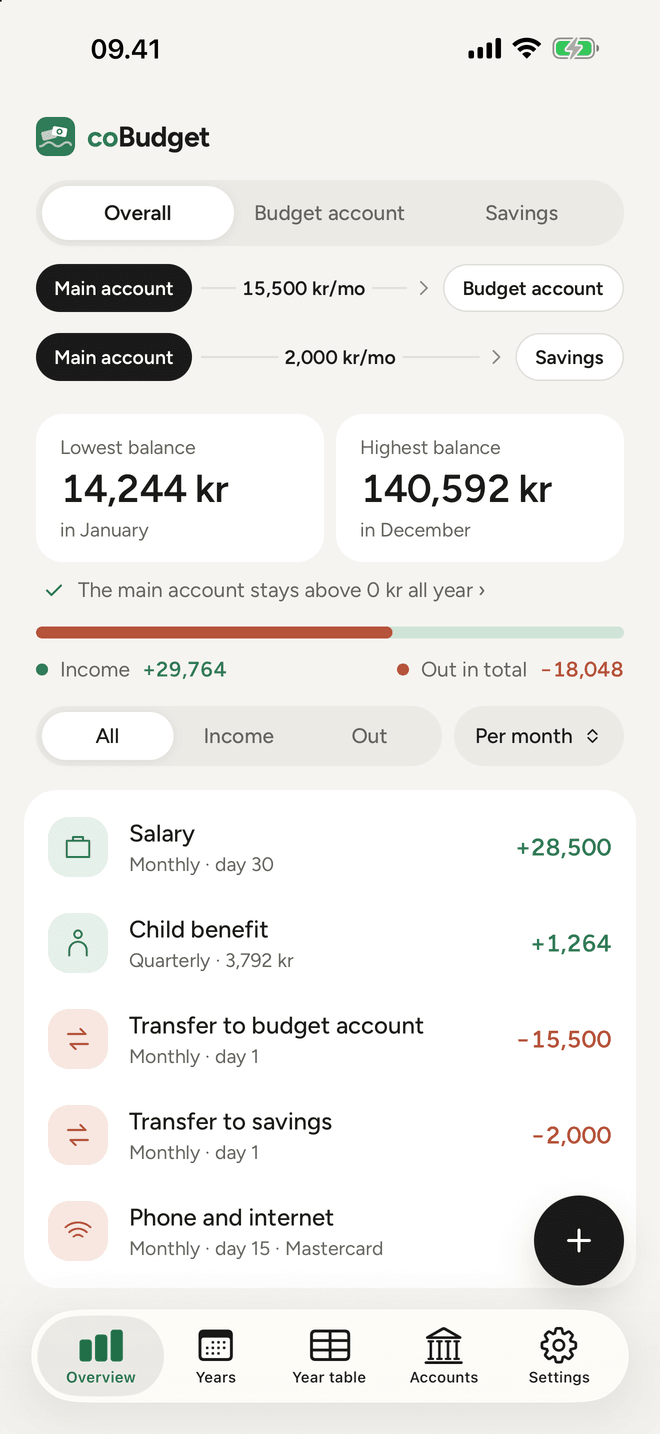
Salary minus the budget transfer, savings and the expenses on the main account.
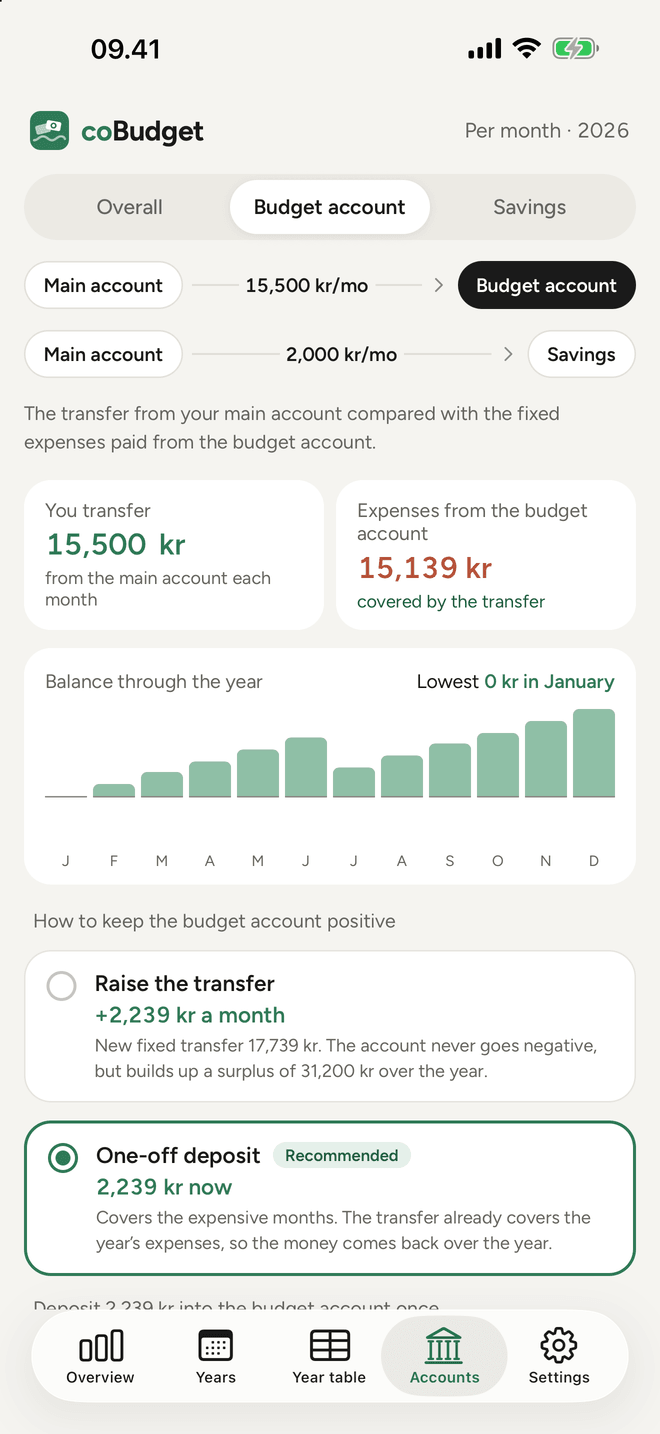
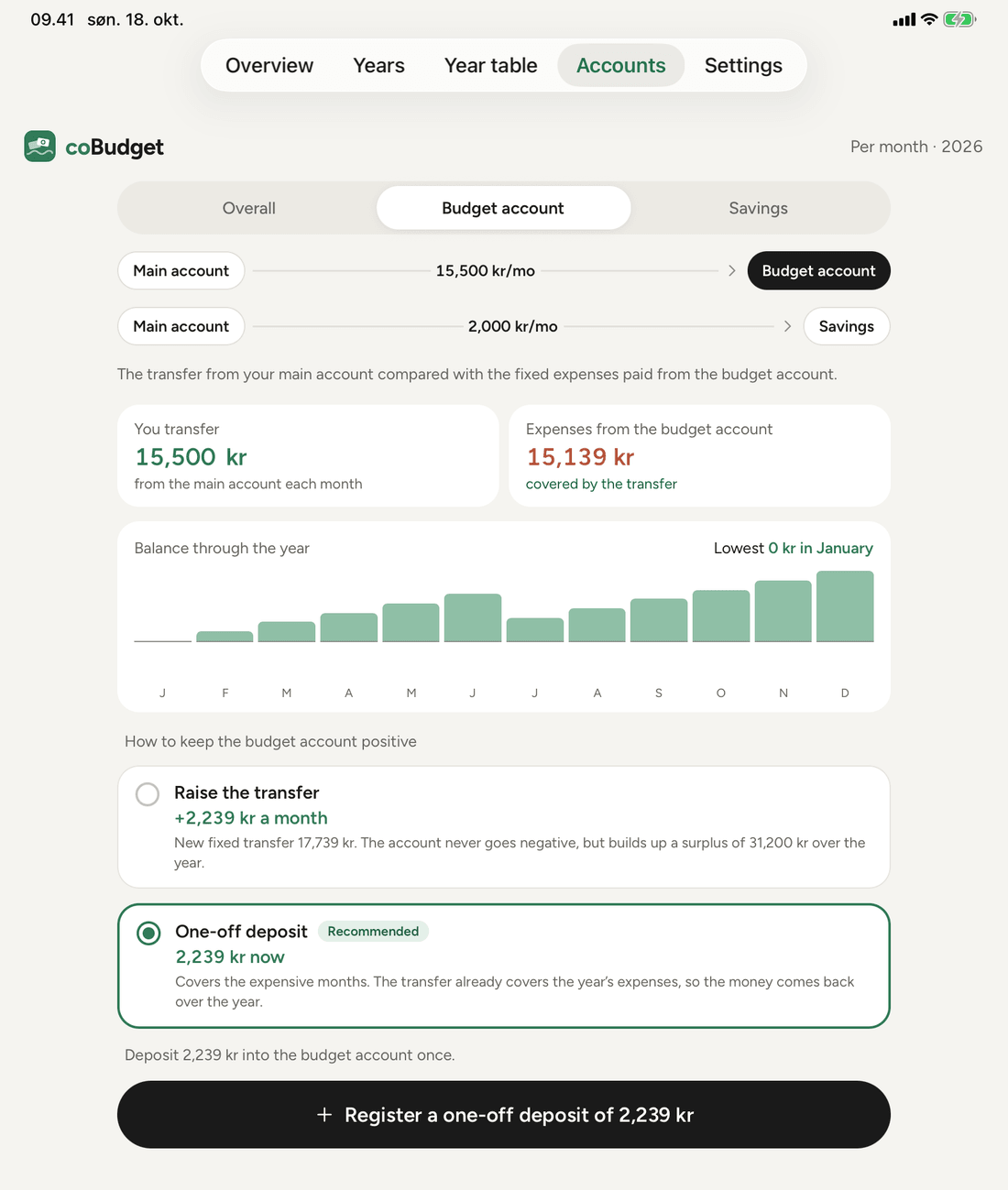
The transfer against the expenses – with concrete suggestions if it falls short.
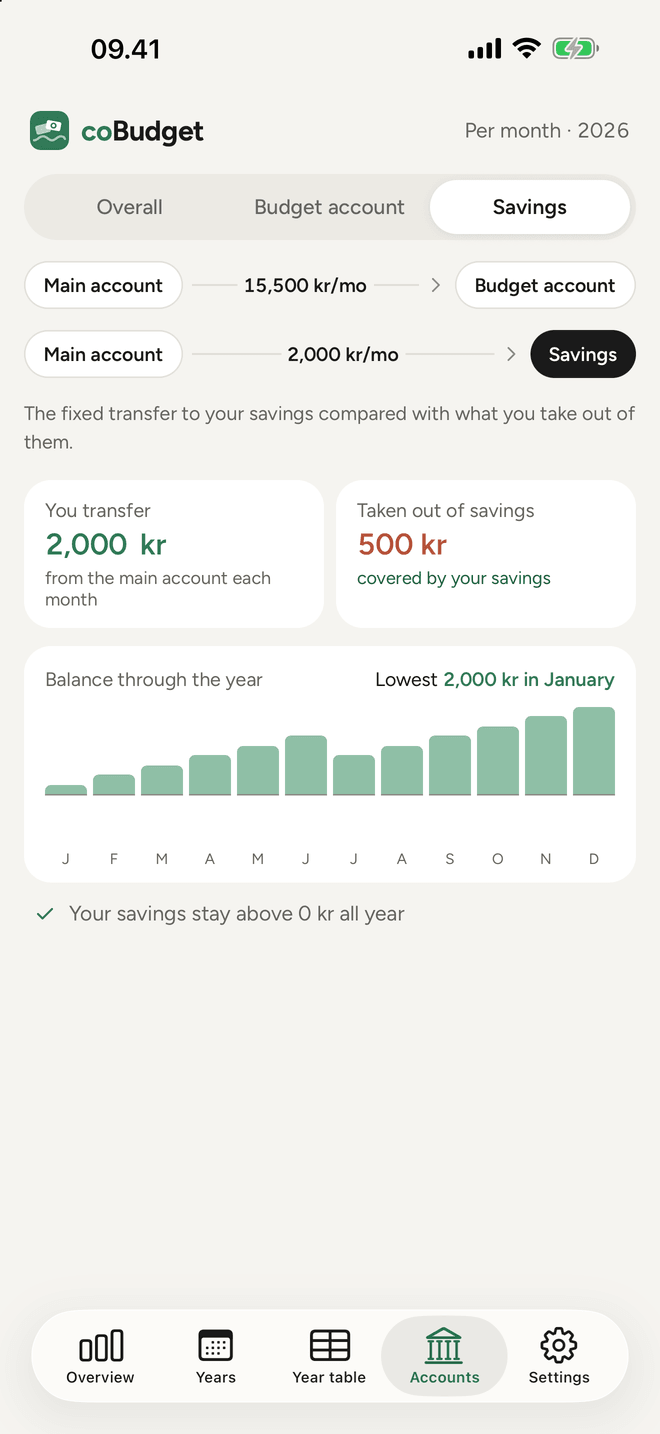
Watch your savings grow and what you take out for e.g. holidays.
Always a next step
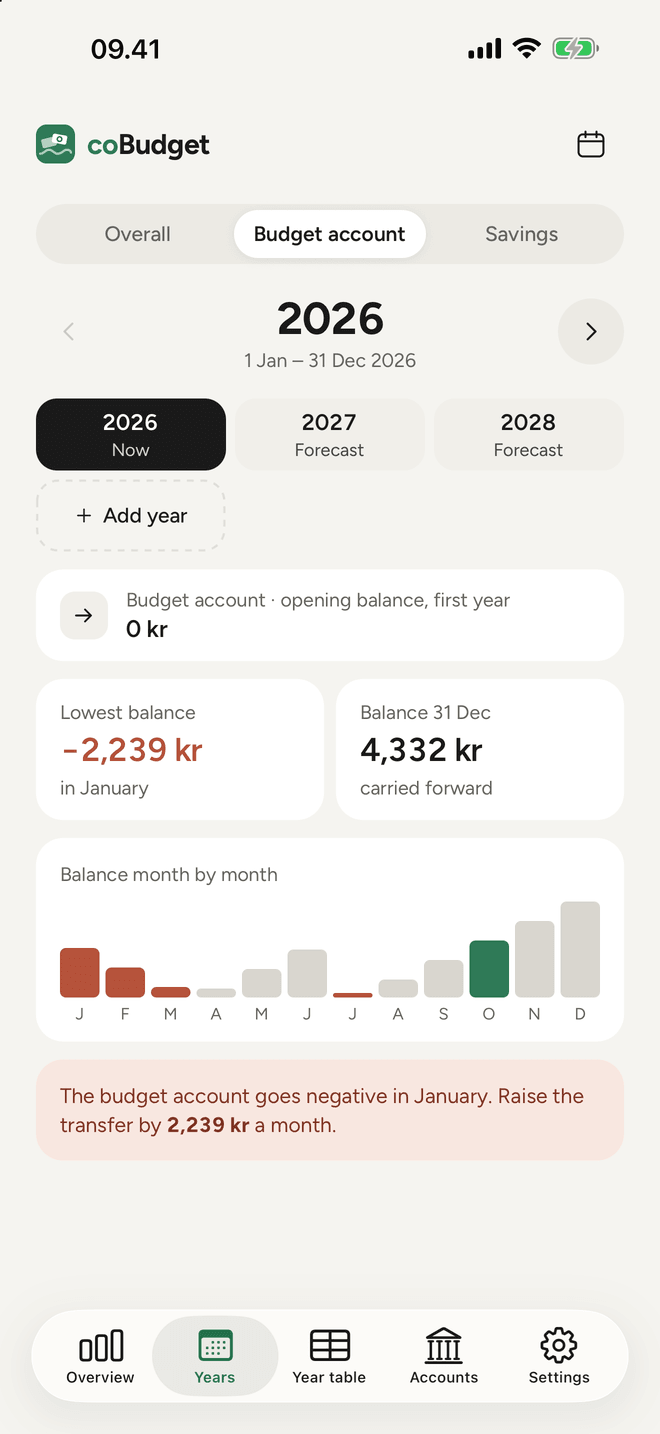
coBudget works out the balance month by month and tells you the first month an account goes negative. Then it suggests what it takes:
Quick to add
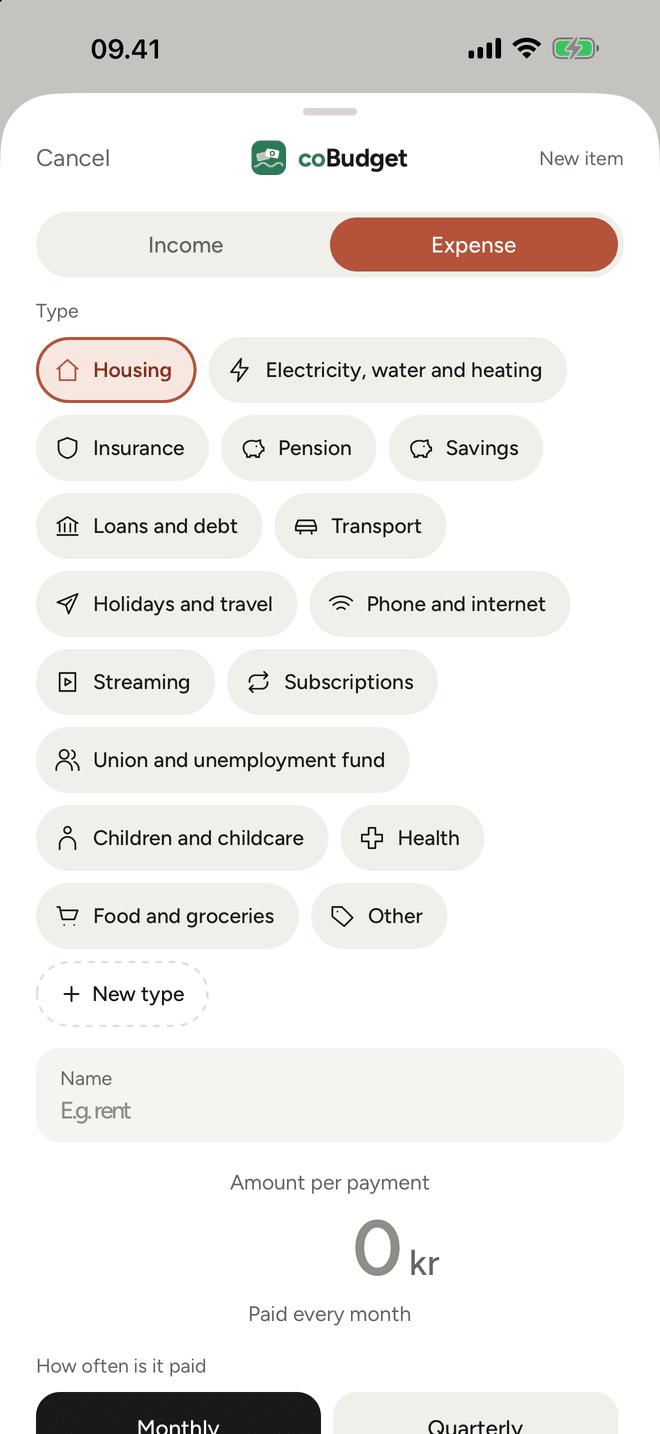
Pick a type, the amount and how often it is paid – monthly, quarterly, every six months, yearly or once. Choose which account pays it, and how: direct debit, MobilePay, Apple Pay or card.
Everything else
coBudget does not count every cup of coffee. It keeps track of what comes back again and again – so you know what you really have to spend and save.
See straight away when money is tightest, and whether an account goes negative during the year.
When your insurance goes up, change the amount from the next payment. Earlier payments stay as they are.
All 12 months on one screen in landscape. Export to CSV or as a PDF on one A4 page.
Keep iPhone and iPad in step with one encrypted file in your own iCloud. Only your password can open it.
Insurance, pension, streaming … and direct debit, MobilePay or card. Create your own with an icon.
Switch language with one tap on a flag. Numbers and dates follow.
iPad
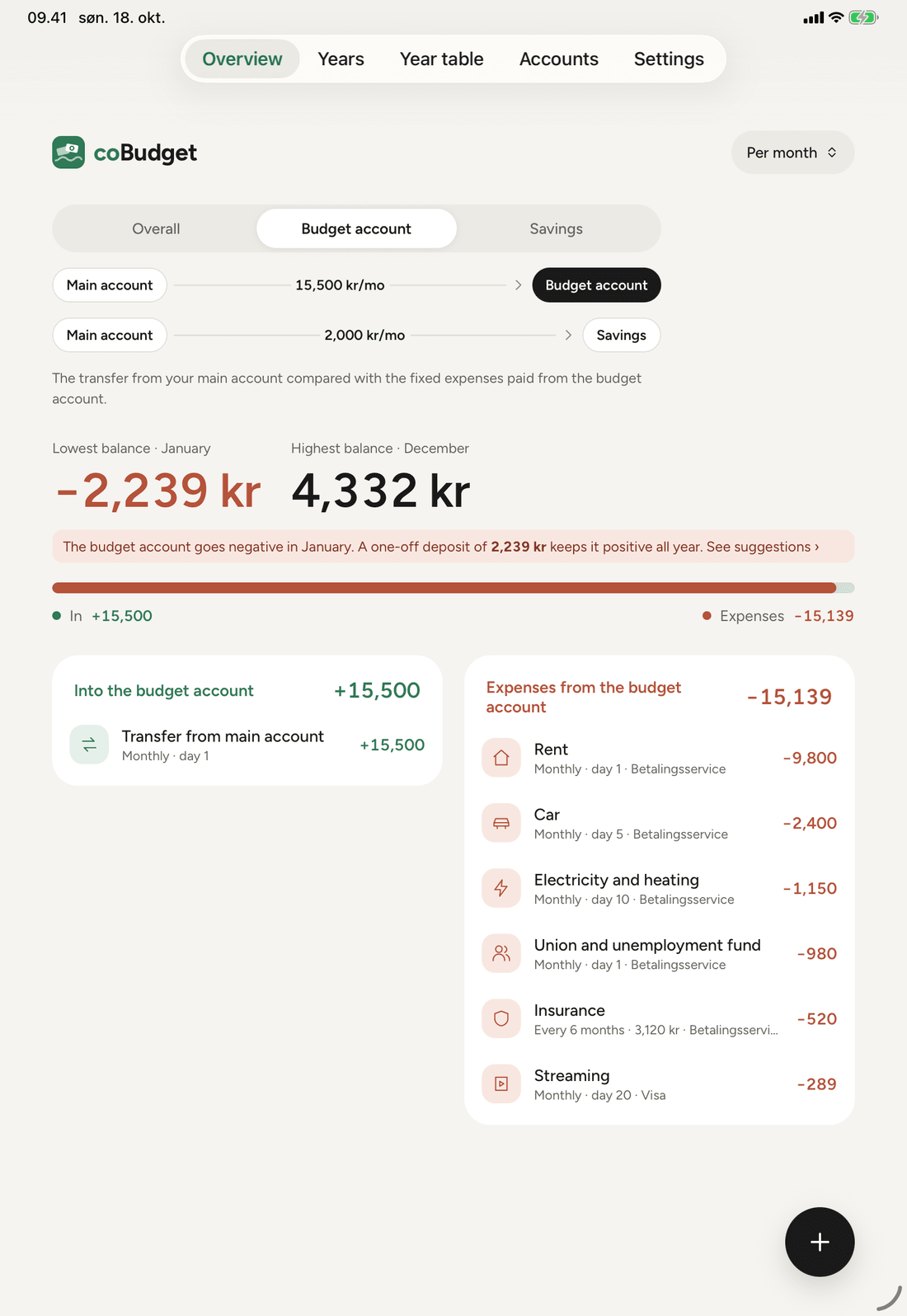
On iPad you see income and expenses side by side, and the year table has room for the whole year with zoom.
Guide
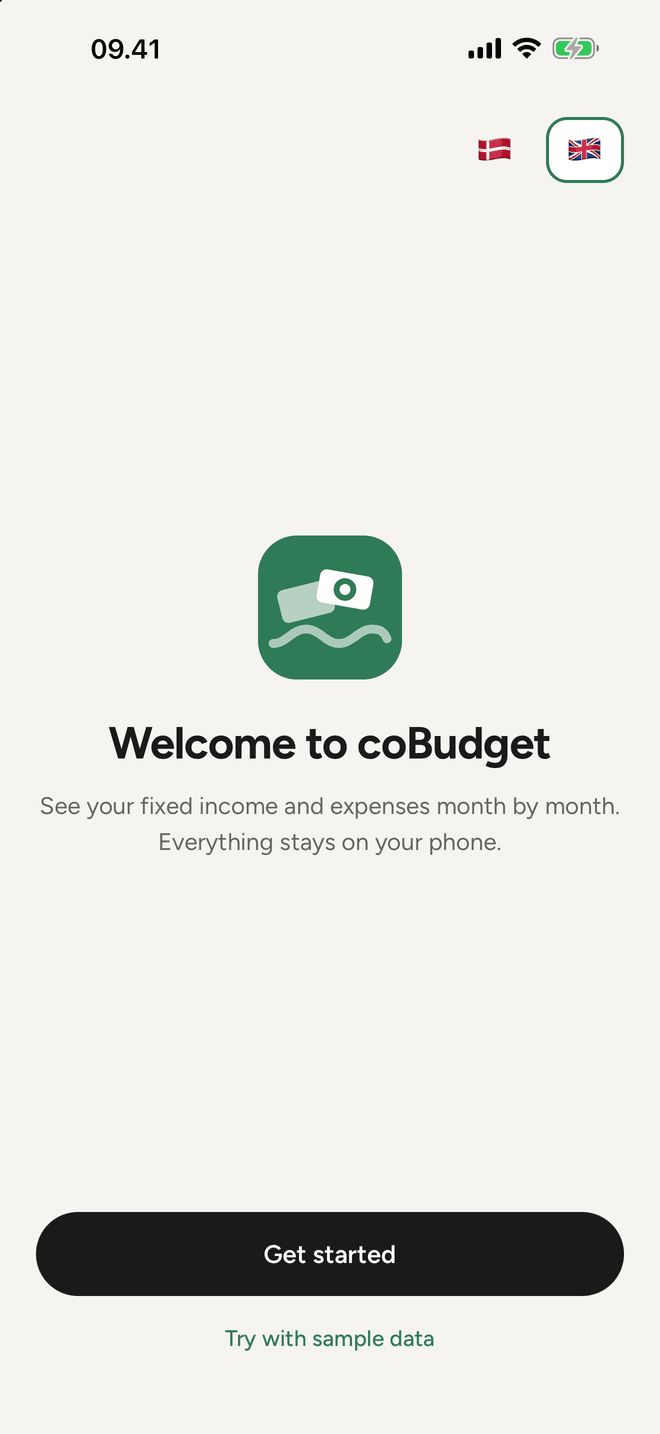
The first time you open the app, it guides you through. You can also try it with sample data first.
Salary or other fixed income, how often and on which day.
If you have a budget account or savings, enter the fixed transfers.
Rent, power, insurance, subscriptions – and which account pays them.
See the lowest and highest balance, the year month by month, and suggestions if something does not add up.
coBudget has no account, no server and no tracking. Everything is stored on your device. If you want to sync between iPhone and iPad, it happens through an encrypted file in your own iCloud.
Read the privacy policy →